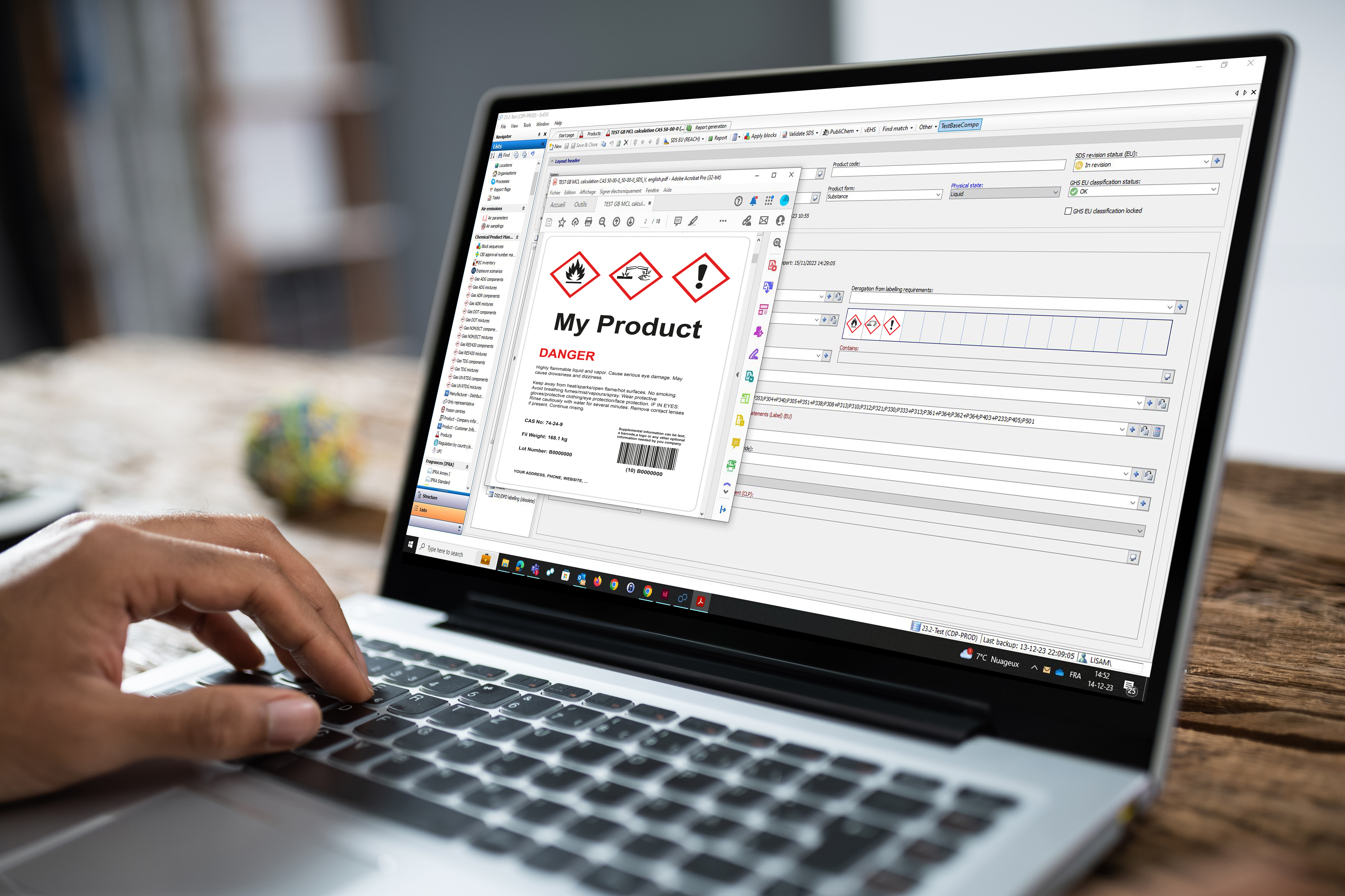
SDS Authoring & Document Creation
Does ExESS offer automated safety data sheet generation?
Yes, our SDS software provides both batch processing and rule-based automated generation capabilities. The system includes:
• Regional templates: pre-configured templates for each supported GHS region
• Smart section filling: automatic completion of SDS sections 4 (First Aid), 5 (Fire-Fighting), 6 (Accidental Release), 7 (Handling & Storage), 8 (Exposure Controls), 10 (Stability), and 13 (Disposal)
• Detection rules for section 15 content (Annex XVII, Seveso, EU Regulations, National regulations for EU Member States (e.g. Austria, Germany, Denmark, the Netherlands, Poland and more).
• Product libraries inheritance: enrichment of substances data based on classifications and data found in regional hazardous substances libraries.
• Advanced automation module: no-code workflow automation for complex SDS generation processes
Can I customize SDS templates and classification logic in ExESS?
Yes. Everything in our SDS software is fully customizable without requiring specialized technical knowledge or developer expertise. Users can easily modify templates and sections according to their needs. If preferred, we also provide customization as a professional service.
Additionally, users can manually override calculated results when they have substance-specific test data or authoritative literature that offers more detailed hazard characterization than general classification rules.
How does Lisam manage exposure scenarios and extended safety data sheets?
Our SDS software includes features for exposure scenario creation and extended SDS (eSDS) generation. You can attach exposure scenarios or PDF documents to standard SDS to create comprehensive eSDS.
This feature helps companies comply with REACH requirements and provide complete chemical safety information to downstream users. Note that prior training is required to use the tool efficiently.
How does ExESS handle SDS updates and validation?
ExESS manages updates from multiple sources with automated status tracking and validation to ensure your SDS remain current and compliant.
Updates can come from various sources:
- Supplier/raw material changes: new component data affecting your formulations.
- Direct edits: manual changes to sections 2 (hazards) or 3 (composition).
- Regulatory updates: new classification requirements or database changes.
Our regulatory monitoring team continuously updates these lists, and the system integrates changes seamlessly. You can check available updates on your start page, assess their impact on your products, and decide when to implement them.
When component-level changes occur that impact safety information, the GHS classification status automatically changes to “needs revision,” while the SDS status changes to “in revision”. This clearly indicates that a full review and validation are required.
Changes to sections 2 or 3 require a complete SDS review, including classification recalculation and content regeneration.
ExESS includes several tools to streamline the update process:
- Comparison view: see differences between old and new classifications to assess impact before implementing updates.
- Advanced filtering: custom views to display only SDS requiring validation
- Batch processing: products containing recently updated substances can be recalculated and validated in batches.
- Automated workflows: revision tasks can be automated through our automation module.
- Change tracking: reports modifications in section 16 of the SDS to maintain audit trails.
The software clearly shows the impact of changes, helping you assess and validate updates efficiently before applying them across affected safety data sheets.
Download our comprehensive GHS Regional Applicability Guide to see exactly which regions we support, including GHS revision and local implementation information for each market.